📧
Lost in email
Assignments get buried in inboxes with no clear record of who submitted what.
Courses, assignments, file uploads, grades, announcements, and student questions — all in one easy-to-use website.
Colleges outgrow shared folders and chat groups. ISARVA LMS puts everything in one organised website.
Assignments get buried in inboxes with no clear record of who submitted what.
Big project files are too large for the server — students need Google Drive instead.
Teachers keep marks in separate spreadsheets with no shared gradebook.
Important news on WhatsApp gets lost — students never see it.
16 built-in tools — auto-plays or tap any feature to explore.
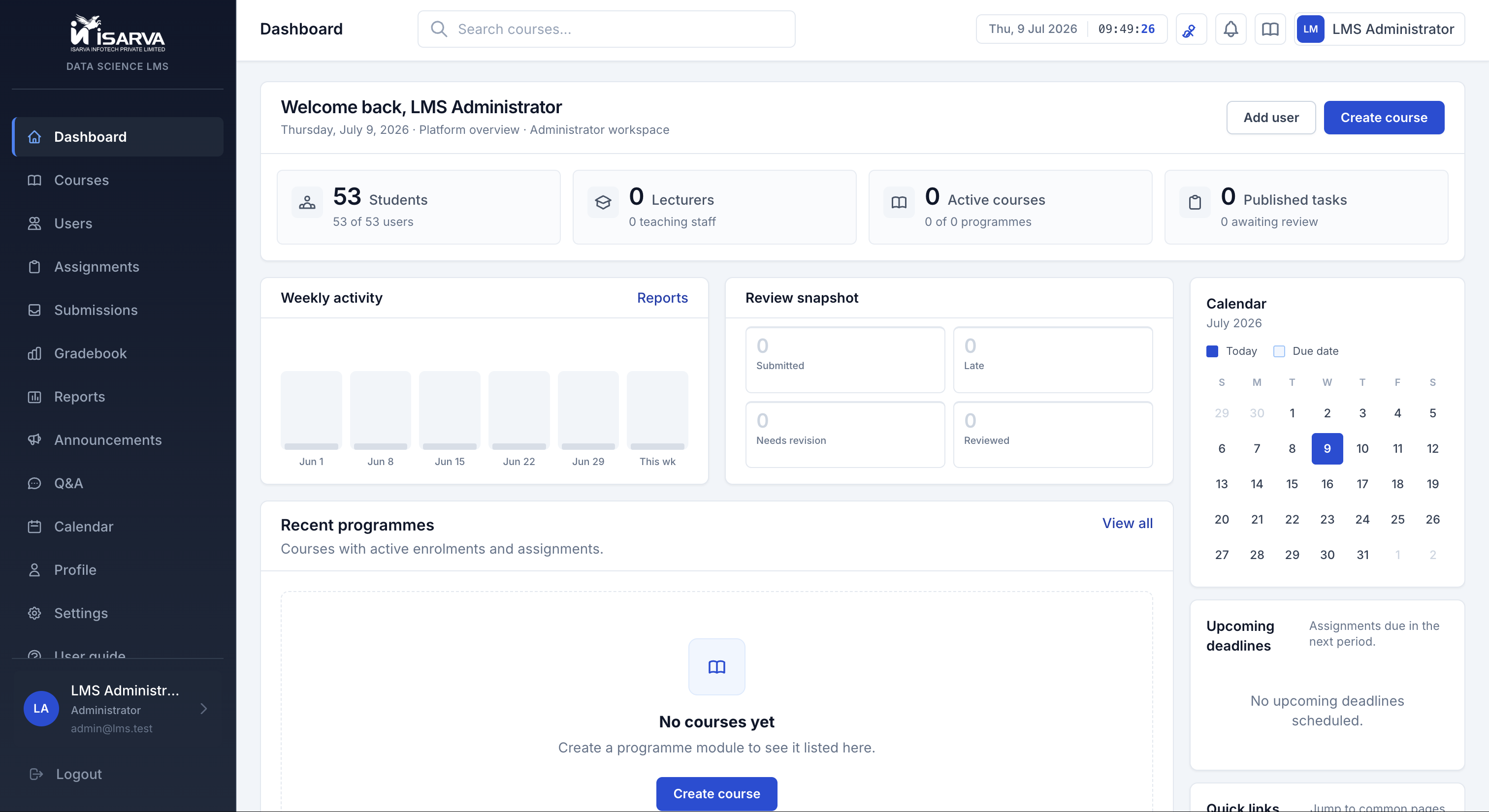
Students see due work and grades. Teachers see work waiting to be graded. Admins see how the site is doing.
Home screens
Feature 1 of 16
Students see due work and grades. Teachers see work waiting to be graded. Admins see how the site is doing.
Students upload to Google Drive and paste the link. Teachers open and review in one click.
Sets a due date and shares a Google Drive folder link.
Large zip files, notebooks, datasets — no size limit on the LMS.
The website checks the link and saves the submission.
Give a score, write feedback, or ask the student to resubmit.
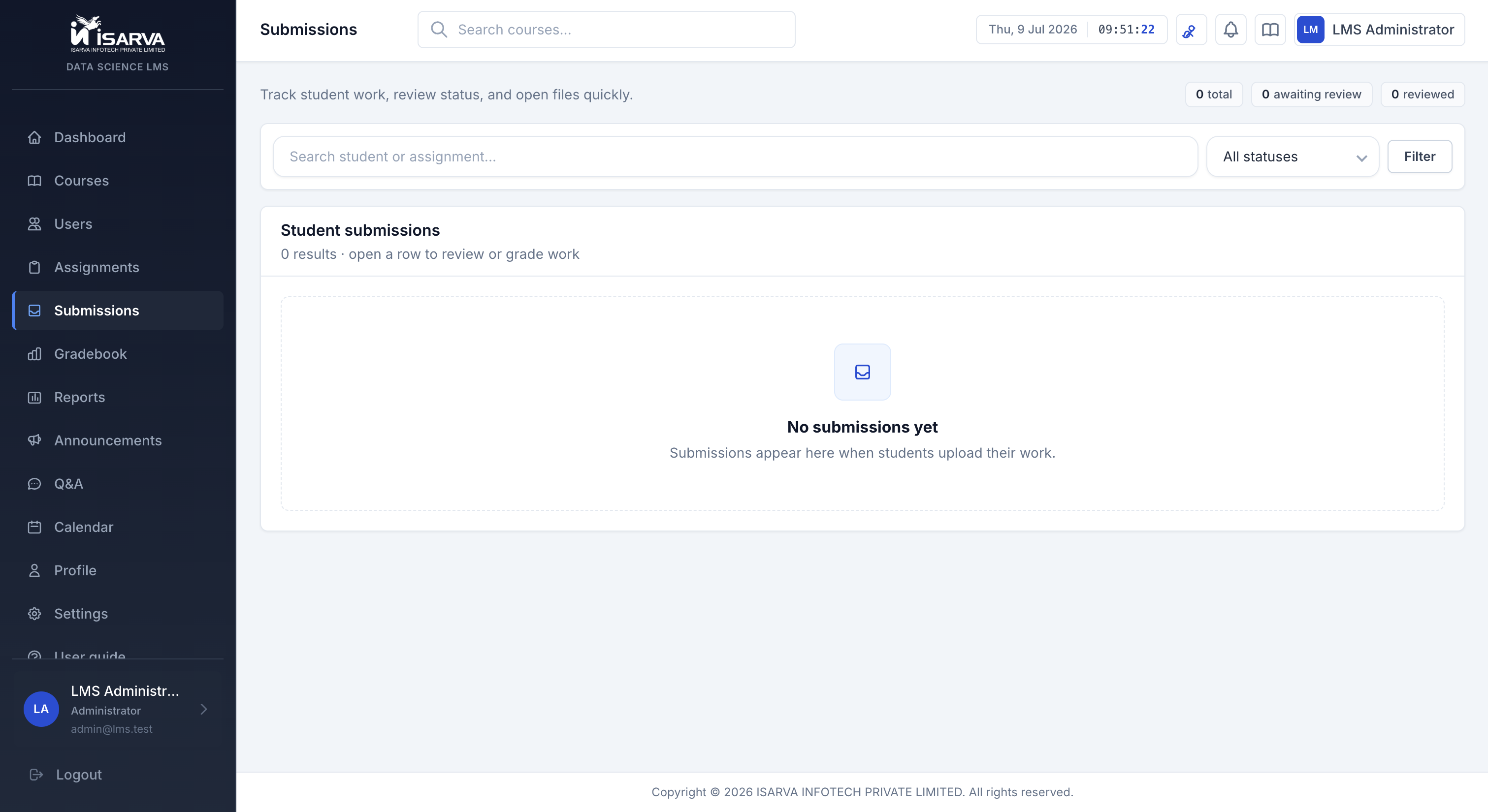
Students, teachers, and admins each see only what they need.
Log in → open a course → submit work → check your grade.
Real screenshots from the live ISARVA LMS — every page your team will use.
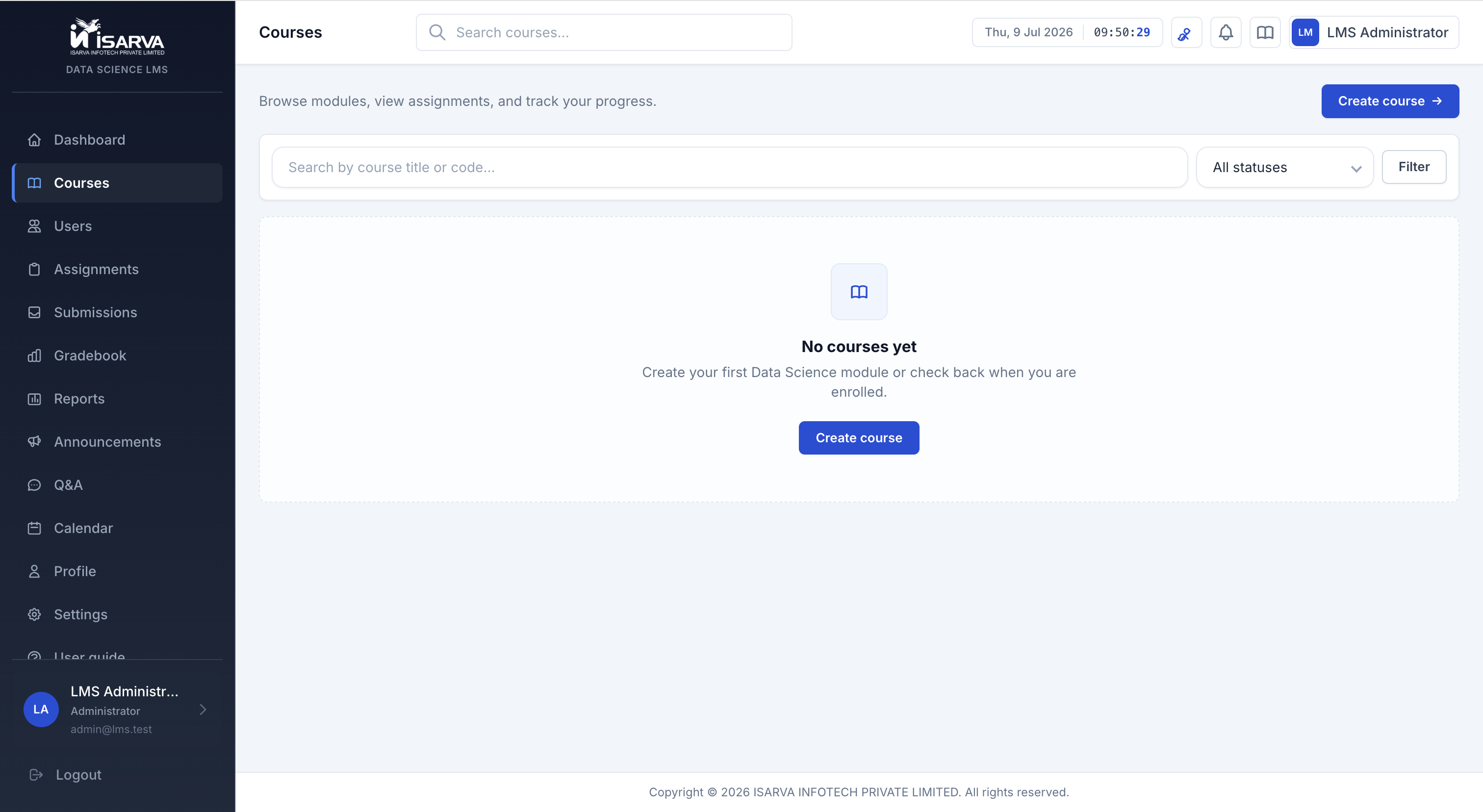
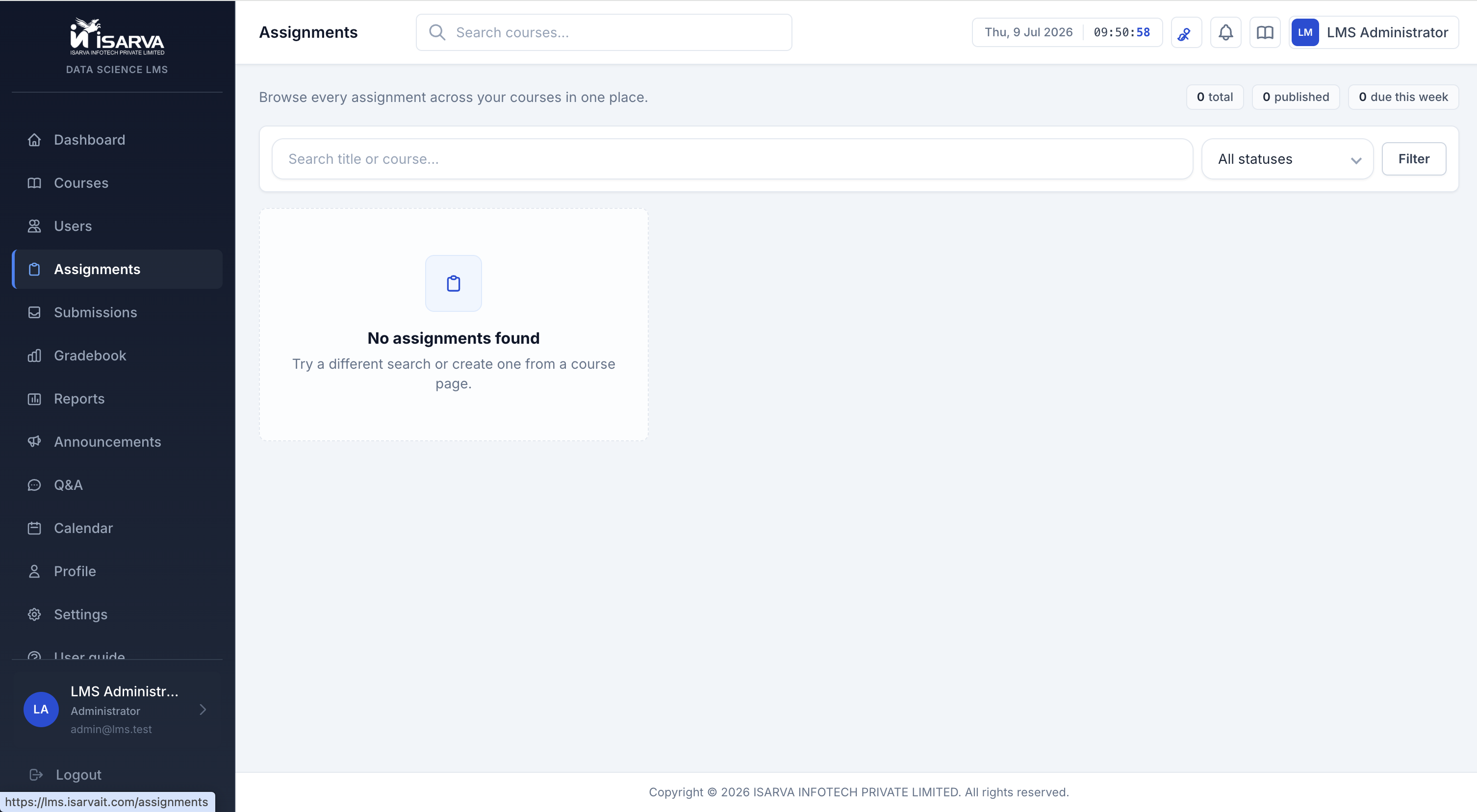
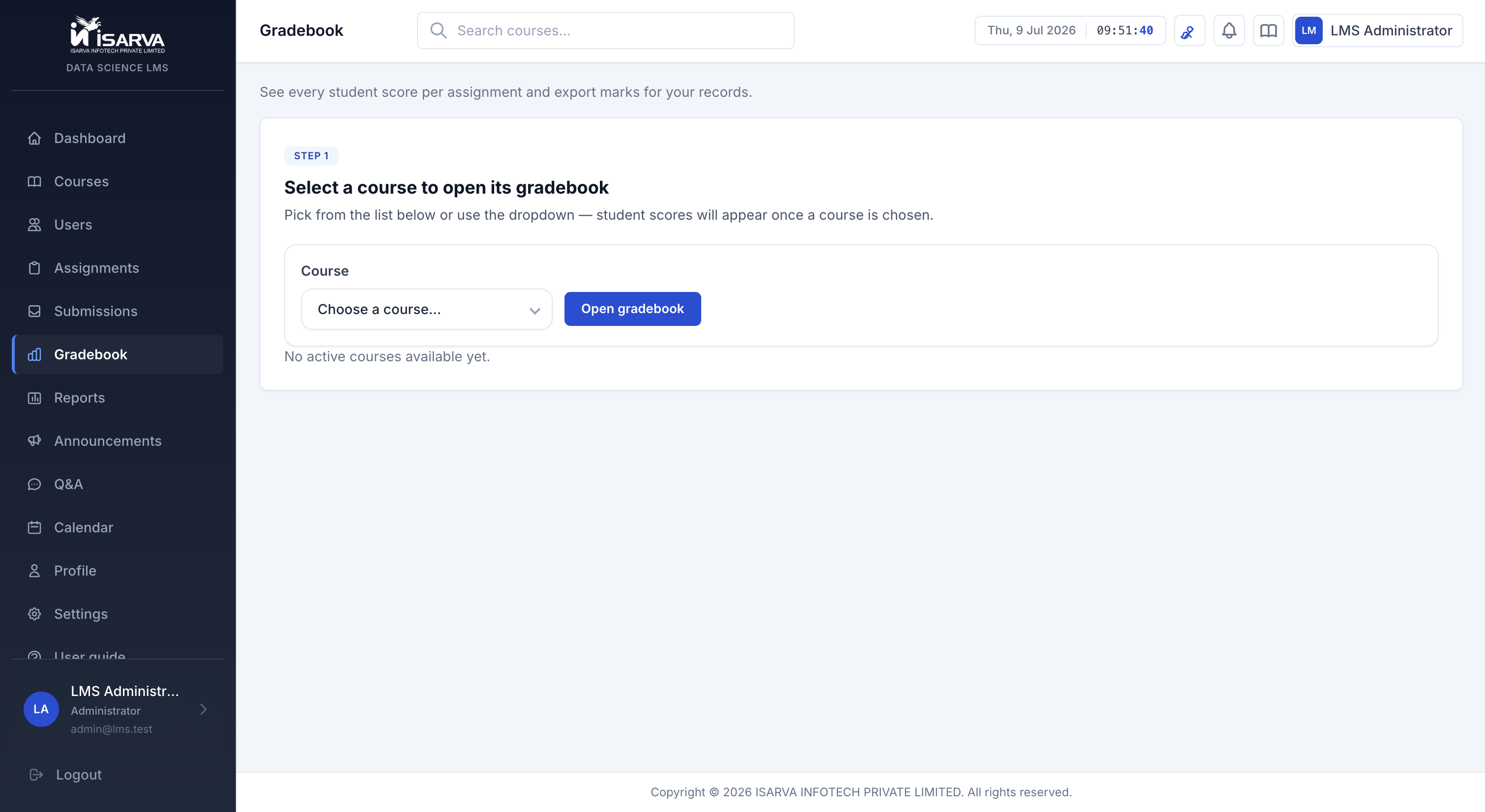
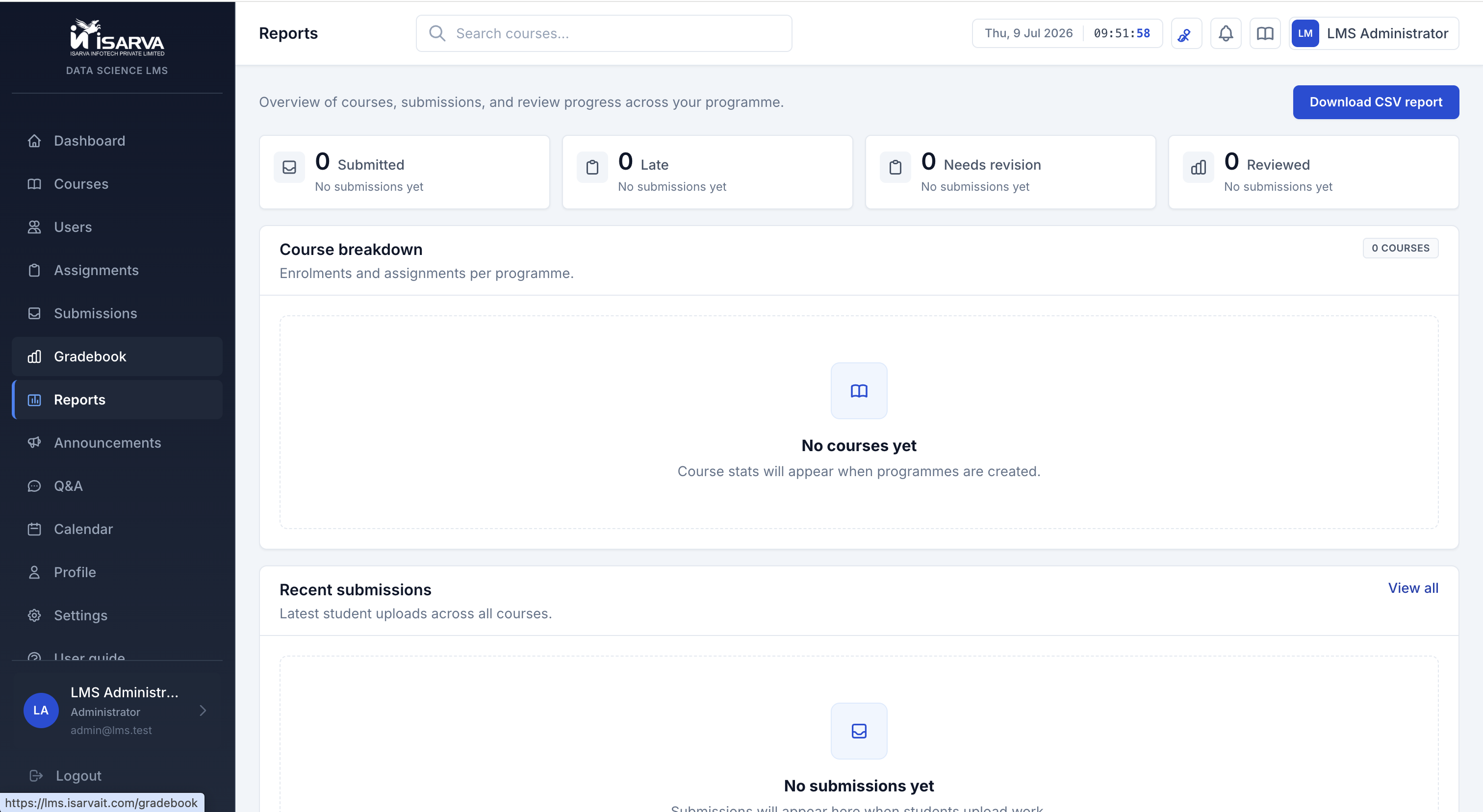
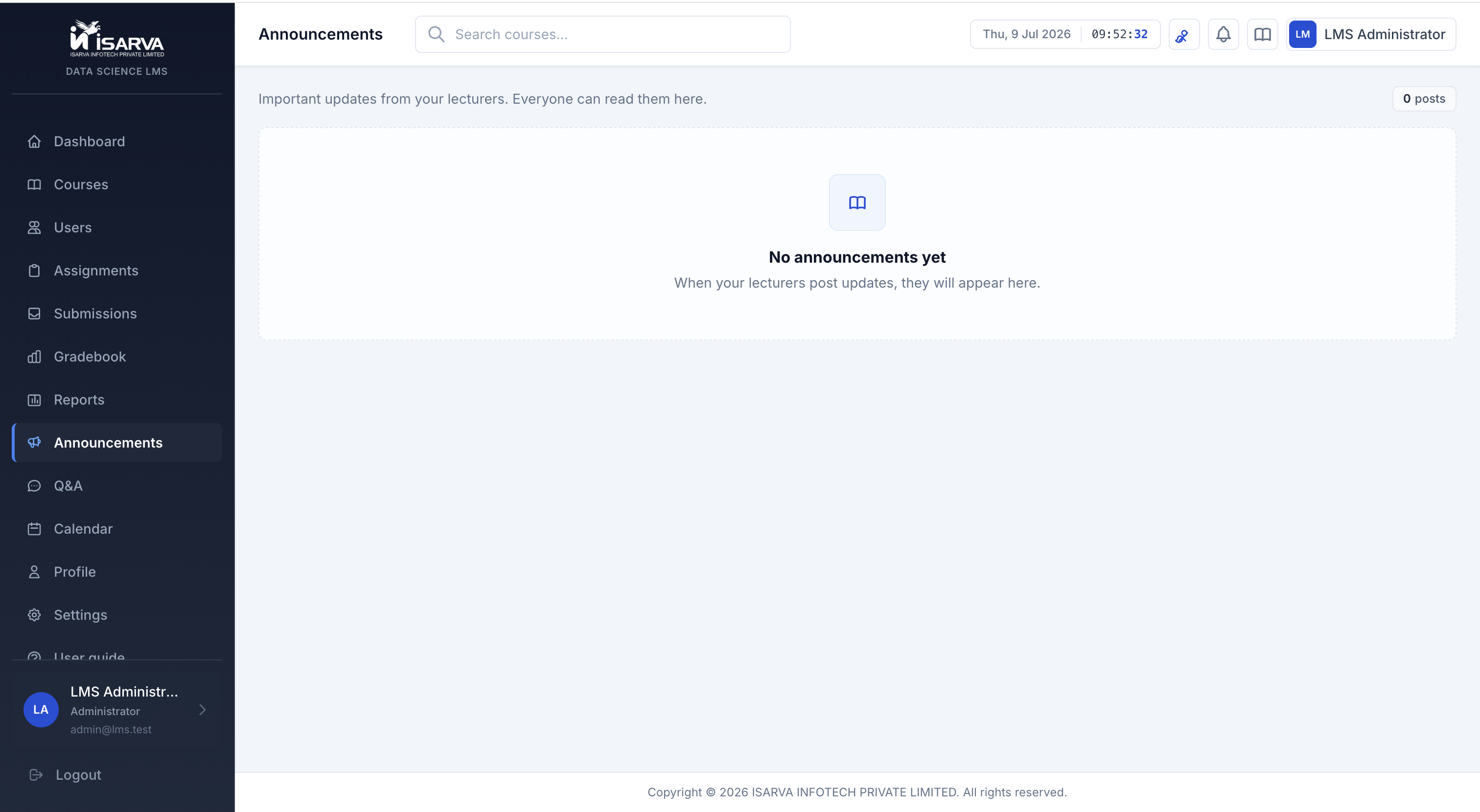
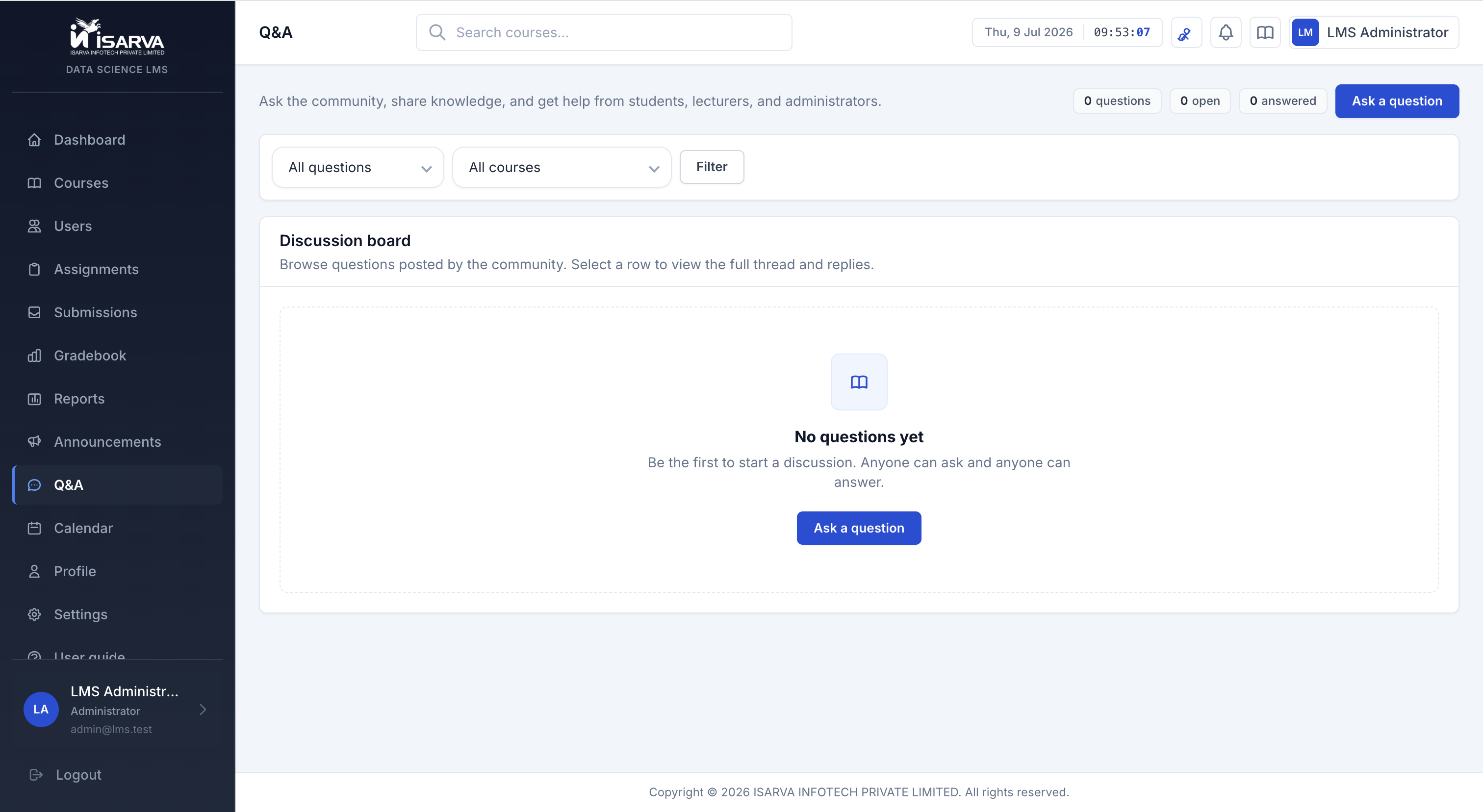
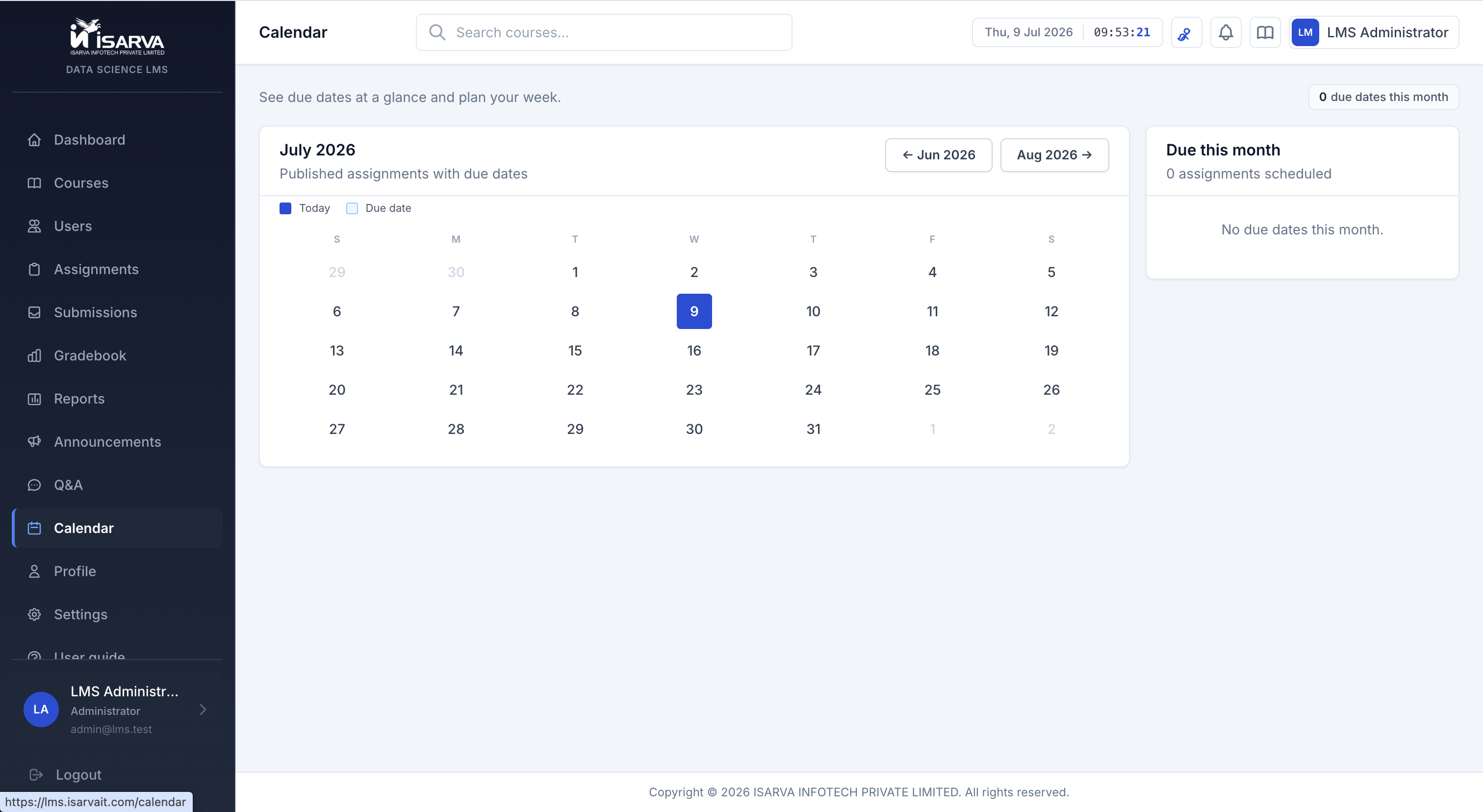
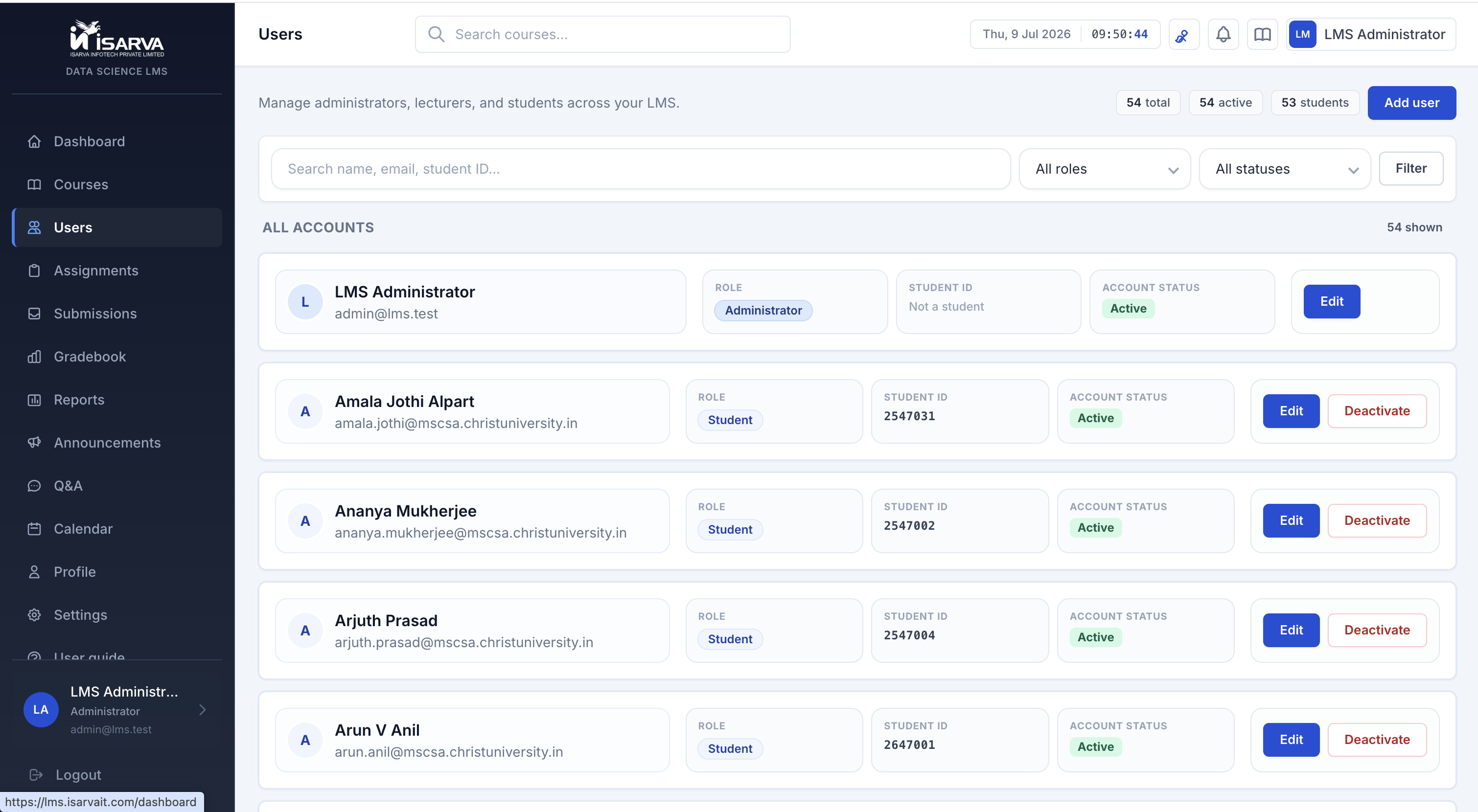
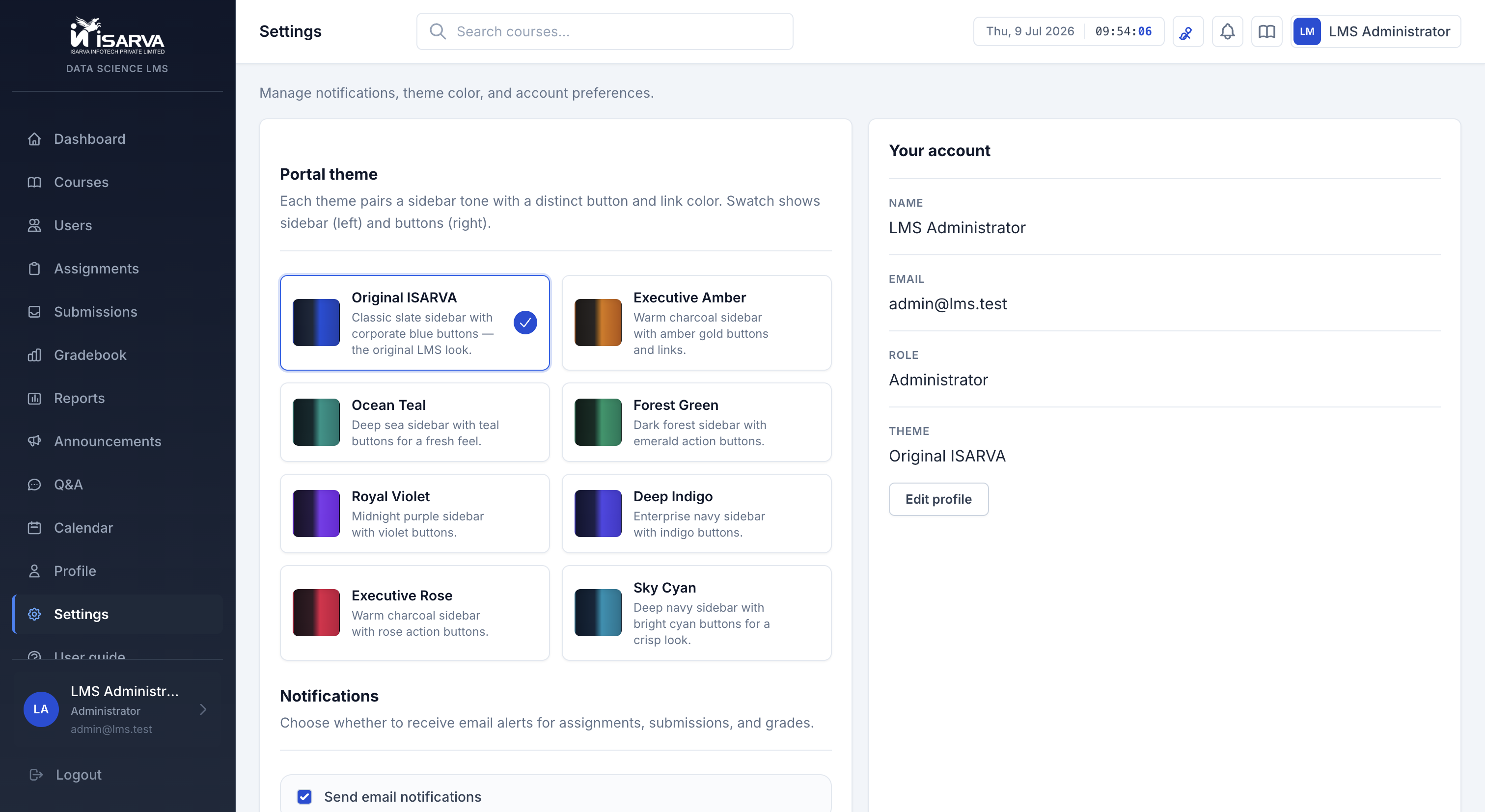
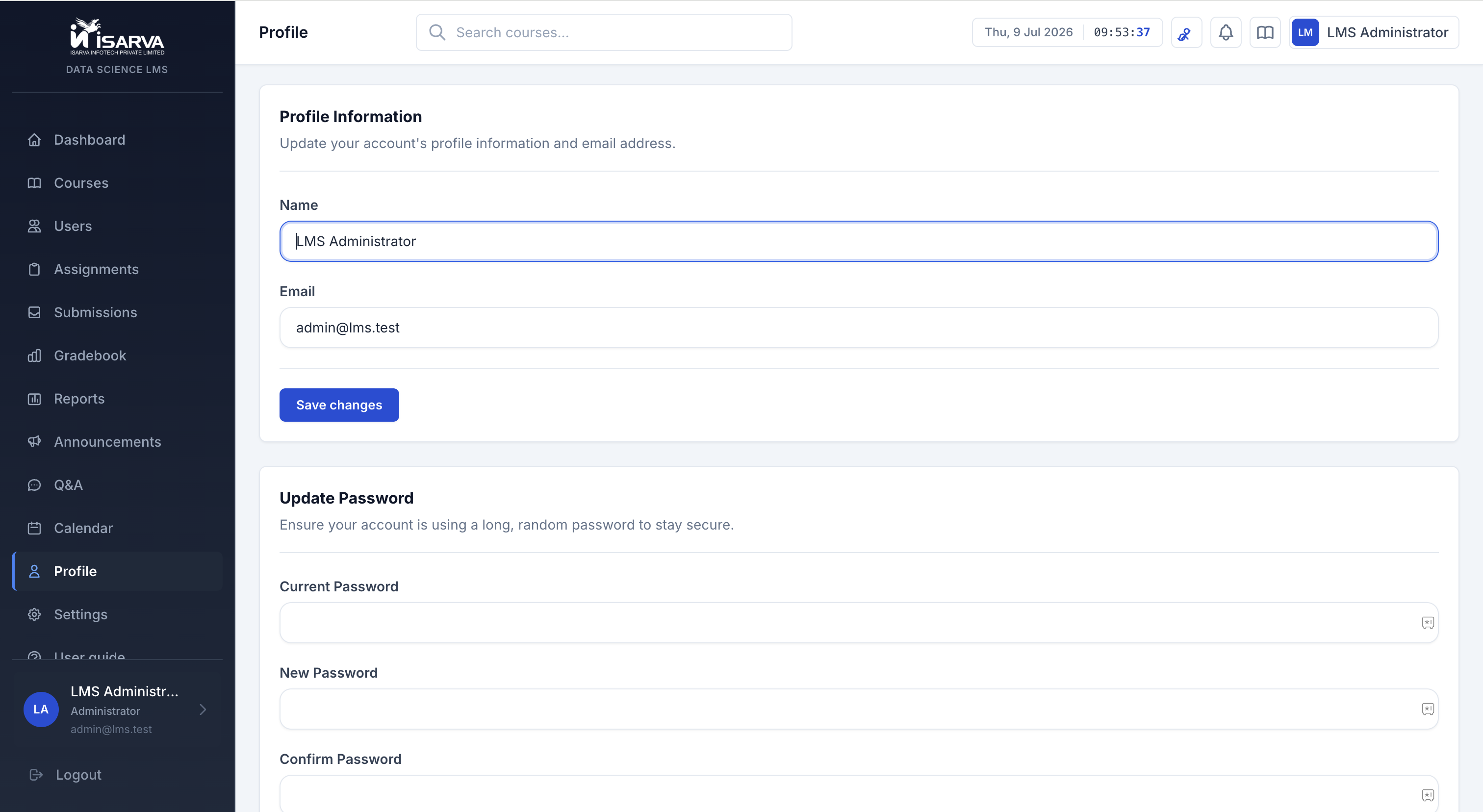
8 color themes — each user can choose their favorite in Settings.
From first login to running assignments — a clear path for your college.
Admin creates accounts and puts students into courses.
Teachers add assignments, files, and due dates.
Students upload files or paste a Google Drive link. Q&A for questions.
Teachers give scores, comments, and ask for resubmission if needed.
Export grades as a CSV file for college records.
Students submit large files via shared folders and links.
Also works with Dropbox and OneDrive for file links.
Sends emails for new assignments, grades, and reminders.
Runs on a Linux server — you control hosting and data.
ISARVA LMS is live and ready to use. Talk to our team about setup, colors, and hosting.